Website Maintenance Checklist: What Actually Needs to Happen Every Month
Tanvir Mahedi
Author
Most small-business websites launch, work fine for a while, and then quietly start breaking — a form that stops sending, a plugin conflict nobody noticed, a security update that never got applied. None of that is inevitable. It's what happens when nobody's doing the boring, recurring work of actually maintaining the site. Here's what that work really is.
The Core Monthly Checklist
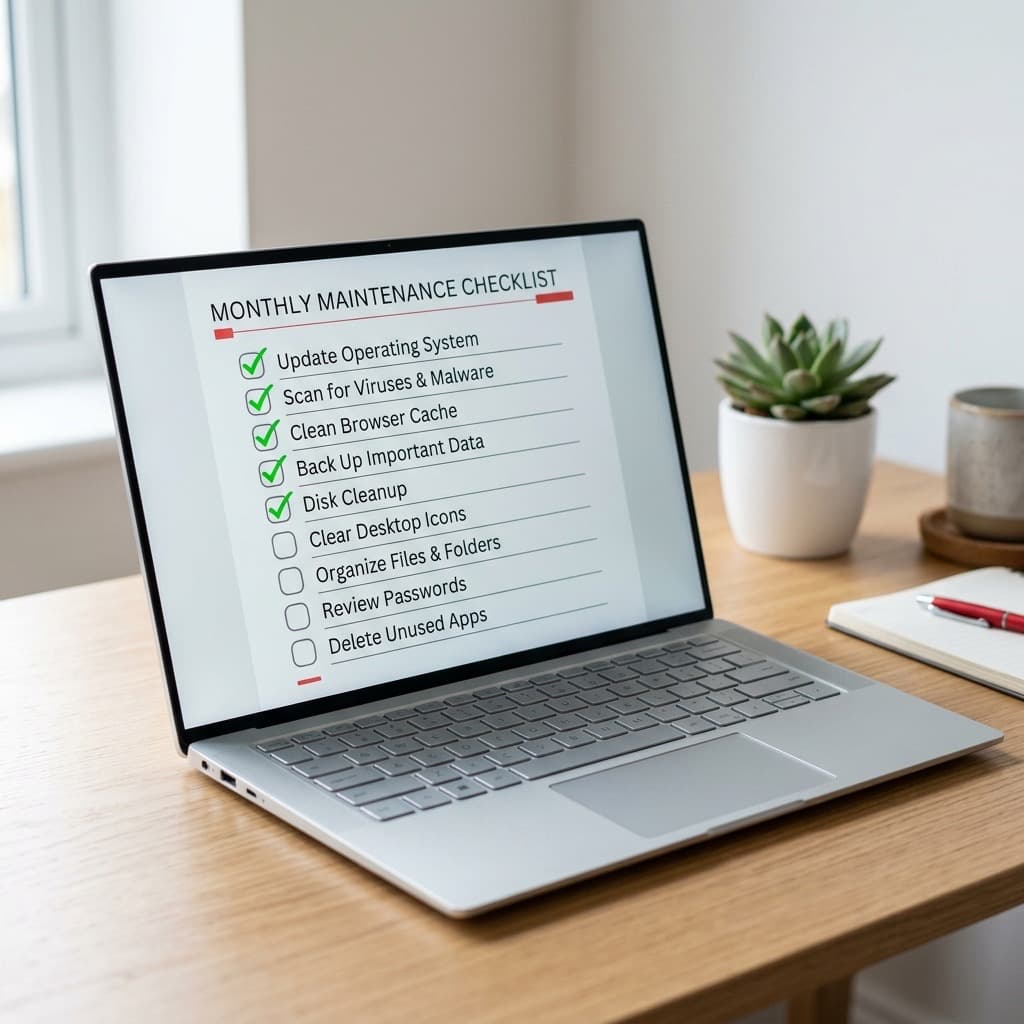
Real maintenance guidance converges on a fairly consistent, unglamorous set of monthly tasks:
- Check for and apply updates. Platform, plugin, and dependency updates should be checked at least once a month and applied — but only after confirming you have a current backup first, in case an update breaks something.
- Verify backups are actually running. Not just assuming they are — log into the backup system and confirm a recent, complete backup genuinely exists. A backup schedule that silently stopped working months ago is worse than no backup plan at all, because you think you're covered when you're not.
- Test every contact form on the site. Submit a real test message through each one. Forms are one of the most common things that break silently after an update or a hosting change — nobody notices until a customer mentions they tried to reach you and nothing happened.
- Review key pages for accuracy. Pricing, services offered, team members, and business hours all drift out of date faster than people expect. A site that still lists a service you stopped offering, or a price that changed six months ago, is a small but real trust problem for anyone who notices.
How Long This Actually Takes
For most small-business websites, the monthly checklist above takes roughly 30–60 minutes. Quarterly tasks — a deeper security review, checking for broken links, auditing page speed — add another hour or two on top, a few times a year. This is not a large time commitment relative to what it prevents; it's a small, boring recurring task that's easy to skip precisely because nothing bad happens the first several times you skip it.
Why Skipping It Is a Security Problem, Not Just a Tidiness Problem
Over 30,000 websites are hacked daily, and the majority of them are small-business sites running outdated software. That's not a coincidence — an unpatched plugin or platform vulnerability is a known, documented entry point, and the sites that get hit are disproportionately the ones where updates weren't applied on any kind of schedule. "We'll get to it eventually" is functionally the same as leaving a door unlocked; most of the time nothing happens, and then eventually something does.
What This Looks Like Without a Dedicated Person
The honest challenge for most small businesses isn't understanding this checklist — it's that nobody on the team owns it. It's not anyone's job description, so it gets done in a burst right after something breaks, then forgotten again for months. The tasks above genuinely aren't difficult individually; the failure mode is almost always "nobody's job," not "too hard to do."
Where a Care Plan Actually Fits
This is the specific gap a website care plan exists to close — not a vague promise of "ongoing support," but this exact list, done on an actual schedule by someone whose job it is, with backups verified rather than assumed, forms tested rather than hoped-for, and updates applied with a rollback plan instead of crossed fingers. The value isn't doing something exotic; it's reliably doing the unglamorous, recurring thing that's easy to skip when it's nobody's specific responsibility.
Sources: small-business website maintenance research and monthly task benchmarks; website security research on hacking volume and outdated-software vulnerability rates.
Keep reading
How Much Does a Website Redesign Cost? A Small Business Guide
The honest answer is "it depends" — but here's what real industry survey data says small businesses actually spend, and why the cheapest option often costs more in the long run.
Website vs. Web App: Which Does Your Small Business Actually Need?
They sound similar, but they solve different problems. Here's how to tell which one your business actually needs — and when you need both.
What Is AI-Assisted Development? (And Why It's Faster, Not Riskier)
"AI-built" sounds risky if you picture code with zero human oversight. That's not what this is — and the real research on AI coding tools is more nuanced than either the hype or the skepticism suggests.
What Website Downtime Actually Costs a Small Business
A few hours of downtime sounds like a minor inconvenience — until you look at what it actually costs, and how often it happens to sites nobody's watching.
How Often Should a Small Business Blog? What the Data Actually Says
"Post more" isn't wrong, but it's not the whole answer either — here's what the actual traffic data says about how often a small business should be publishing.
Schema Markup Explained: How AI Search Engines Decide What to Cite
Getting cited by ChatGPT or Perplexity isn't random — there's a specific, well-documented technical reason some pages get picked as sources and others don't.
Core Web Vitals Explained: What Google Actually Measures
"Site speed matters for SEO" is old advice. What changed is that Google now measures it with three specific metrics — and in 2026, missing the bar has a real, measurable ranking cost.
Website Builder vs. Custom Development: When Templates Stop Working
A $30/month website builder isn't always the cheap option it looks like. Here's the honest math on when a template is genuinely fine, and when it starts actually costing you.
AI Product Photography: What It Can't Replace About a Real Photo Shoot
AI product photography is genuinely good — and genuinely limited. Here's an honest breakdown of what it replaces, what it doesn't, and why the best results mix both.
Brand Identity and Website Design: Why They Should Be Done Together
A logo from one designer and a website from someone else, six months apart, is one of the most common — and most avoidable — ways small businesses end up with a brand that fights itself.
How to Choose a Web Design Agency: Real Red Flags to Watch For
Most bad agency hires were avoidable — the warning signs were visible before signing, just easy to miss if you don't know to look for them.
Landing Page vs. Homepage: Which Should Get Your Ad Traffic?
Sending ad traffic to your homepage instead of a dedicated landing page is one of the most common — and most measurable — ways small businesses quietly waste ad spend.
What a Freelancer or Photographer Portfolio Site Actually Needs
A beautiful gallery of work isn't a complete portfolio site — here's what's actually missing from most freelancer and photographer sites, and why it's costing them clients.
"AI-Drafted, Human-Edited": What That Workflow Actually Means
"AI-drafted, human-edited" gets said a lot without much explanation of what it actually means — here's the real workflow, and why the human part is doing more work than it sounds like.
Related services
Let's build something that works.
Tell us about your project — we'll get back to you with a straight answer, not a sales pitch.